
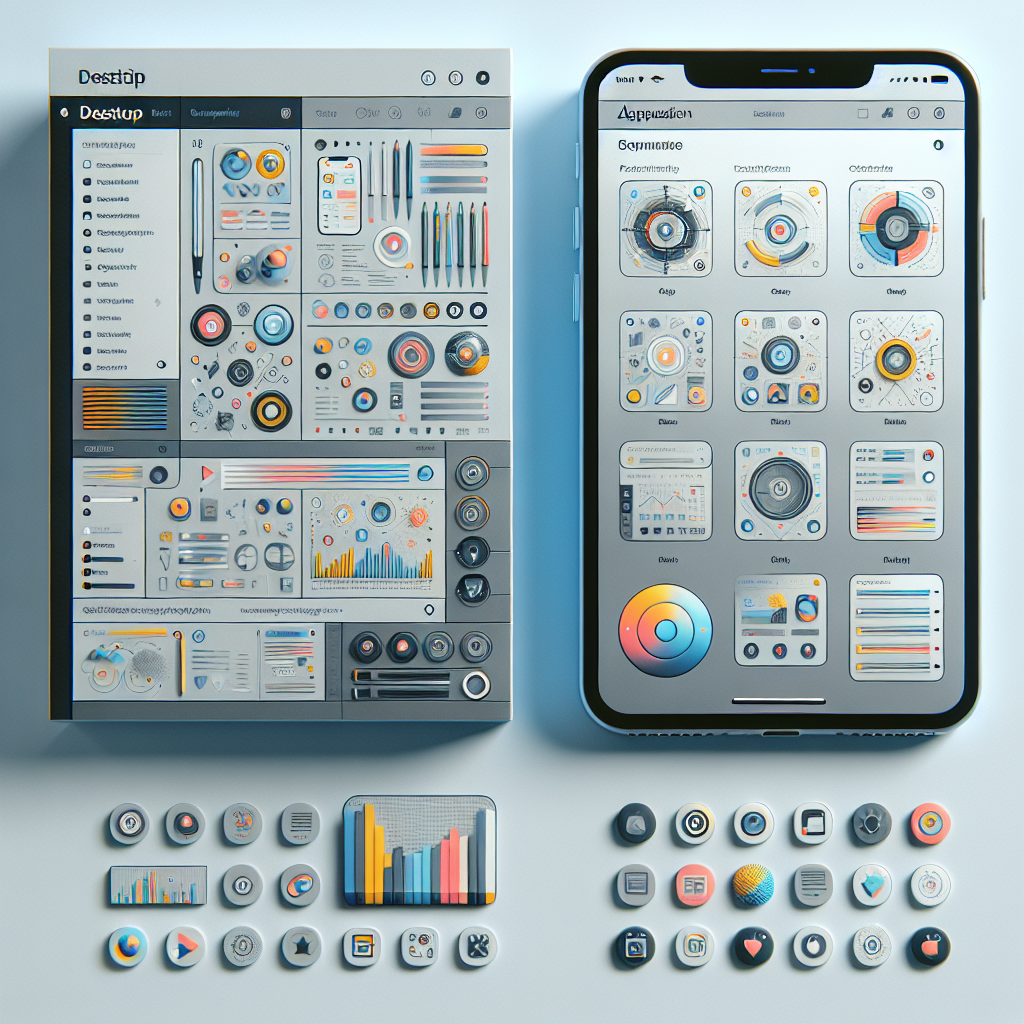
Experience Seamless Communication: Beeper’s Redesigned Desktop and iOS Apps by Automattic
In today’s fast-paced digital world, juggling multiple communication platforms can be overwhelming. This is where Beeper, a unified messaging app developed by Automattic, comes into play. Recently, Automattic-owned Beeper has rolled out redesigned desktop and iOS apps, promising a sleeker, more efficient communication experience. This significant update not only aims to enhance user interface (UI) and user experience (UX), but it also integrates additional features that could revolutionize how we manage our digital communication.
What is Beeper?
Before we delve into the details of the redesign, let’s explore what Beeper is. Beeper is a cross-platform messaging app developed to centralize all your conversations into a single interface. Whether you’re using iMessage, WhatsApp, Slack, Facebook Messenger, or Telegram, Beeper allows you to access and send messages from one app. The vision behind Beeper is simple: streamline communication and eliminate the chaos of switching between multiple apps and platforms.
Key Features of Beeper
Beeper offers a host of innovative features that make it a standout messaging app:
- Unified Inbox: All messages from different platforms in one place.
- Cross-Platform Accessibility: Available on Mac, Windows, Linux, iOS, and Android.
- Search Functionality: Easily searchable message history across different platforms.
- Customizable Notifications: Users can fine-tune alerts for specific contacts and platforms.
- Open-Source: Developers can contribute to its development and create custom solutions.
The Redesigned Desktop and iOS Apps: What’s New?
With the recent launch of the redesigned desktop and iOS apps, Beeper is set to offer users a more streamlined and intuitive messaging experience. The updates focus on UI/UX enhancements and integrating some much-requested features.
User Interface Overhaul
The new design focuses on a clean, modern interface that makes navigation a breeze. Some key highlights include:
- Simplified Layout: The less cluttered layout enhances focus and reduces distraction.
- Improved Typography: Clearer fonts and thoughtful use of colors for improved readability.
- Dark Mode: A sleek dark theme for those who prefer it or use messaging at night.
New Functionalities
Automattic’s redesign also introduces several new and improved functionalities tailored to user needs:
- Widgets: Access frequently used conversations directly from the home screen on iOS.
- Enhanced Search: More powerful search filters help find messages quickly and comprehensively.
- Multi-Language Support: Wider language support to cater to the global audience.
- Quick Replies & Actions: Speed up your responses with quick-reply features and custom action shortcuts.
Improved Performance
Alongside aesthetic upgrades, significant back-end improvements ensure that the apps run smoothly and efficiently, experiencing fewer crashes and hiccups:
- Faster Loading Times: Optimized code for speedier app launch and message retrieval.
- Better Syncing: More reliable syncing between devices ensures that no messages are lost or delayed.
Why This Redesign Matters
In an ever-evolving tech landscape, Beeper’s redesign represents more than just a visual update; it reasserts its position as a vital communication tool. Here’s why it matters:
- Adapting to User Demands: By listening to user feedback, Beeper prioritizes user satisfaction and relevance.
- Competitive Edge: With a cleaner, feature-rich interface, Beeper stands out in a saturated messaging app market.
- Enhanced Security: Additional security measures ensure that users’ data remains confidential and protected.
How to Maximize the Beeper Experience
To get the most out of the redesigned Beeper apps, here are some tips:
- Explore Settings: Customize notification sounds, themes, and account settings to your liking.
- Use Shortcuts: Familiarize yourself with keyboard shortcuts on desktop for efficient navigation.
- Leverage Widgets: Utilize home screen widgets on iOS for quick access to conversations.
- Sync Devices: Ensure all your devices are synced to access the most recent messages seamlessly.
Transitioning to Beeper: Is It Right For You?
If you find yourself juggling multiple messaging platforms daily, transitioning to Beeper could be a game-changer. Consider these questions:
- Do you use more than three messaging apps?
- Are you often missing messages due to switching between apps?
- Do you value privacy and security in your communication tools?
If you answered "yes" to any of these, Beeper might be the perfect solution for streamlining your communications.
Conclusion
Automattic’s newly redesigned Beeper desktop and iOS apps redefine communication efficiency and user experience. With sleek design upgrades, enhanced functionalities, and improved performance, Beeper remains a leader in the messaging app domain. Whether you’re a longtime user or considering transitioning, now is the perfect time to explore all that the reimagined Beeper has to offer.
Stay connected, without the chaos, and join the conversation revolution.
In this world of complex digital ecosystems, Beeper stands tall as a beacon of simplicity and efficacy. Embrace the future of communication with Beeper’s latest redesign—a friendlier, smarter way to manage all your conversations.